Magic Dragon storefront
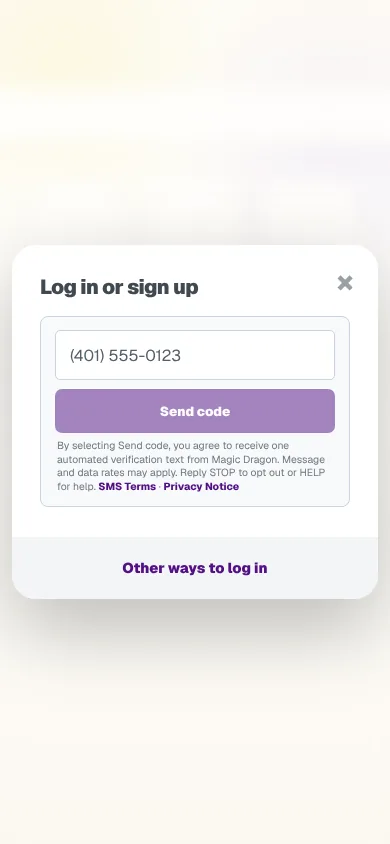
The website customers order from. They can browse, see when an order would arrive, sign in with a text code and check out. Most orders come from phones, so I designed every screen for a phone first.
- Type
- Real product, 2026
- My role
- Founder; design and front end
- Stack
- Next.js, React 19, TypeScript, CSS Modules, JSON-LD
- Testing
- Playwright, axe-core, Vitest
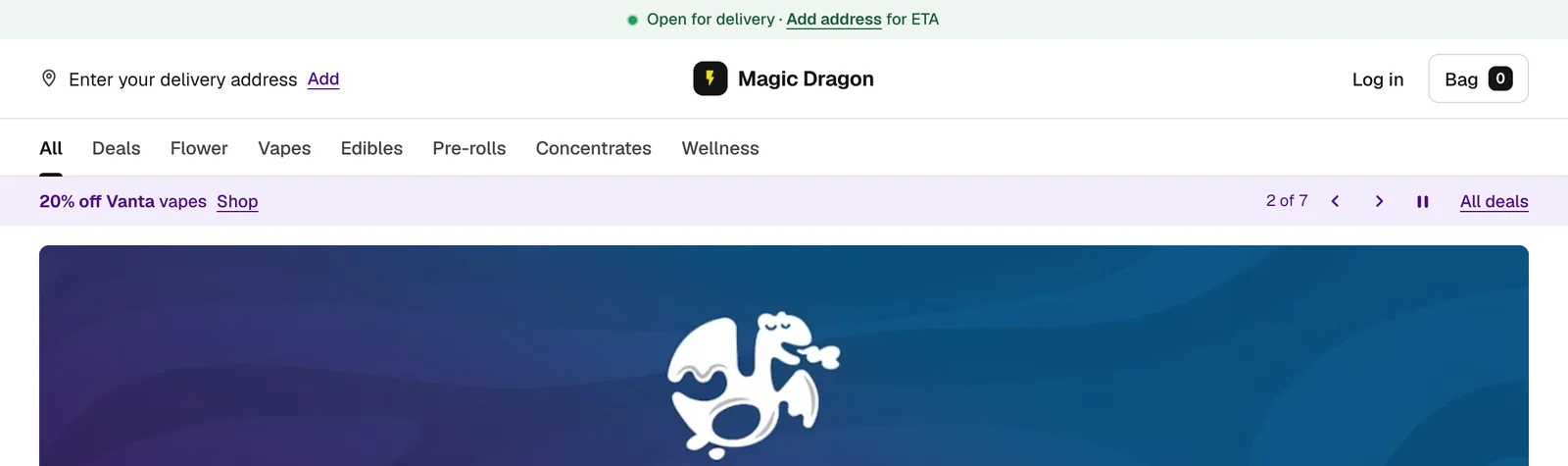
Designed for phones
- Each category scrolls sideways in its own row, so the whole menu is a few swipes deep instead of one long page.
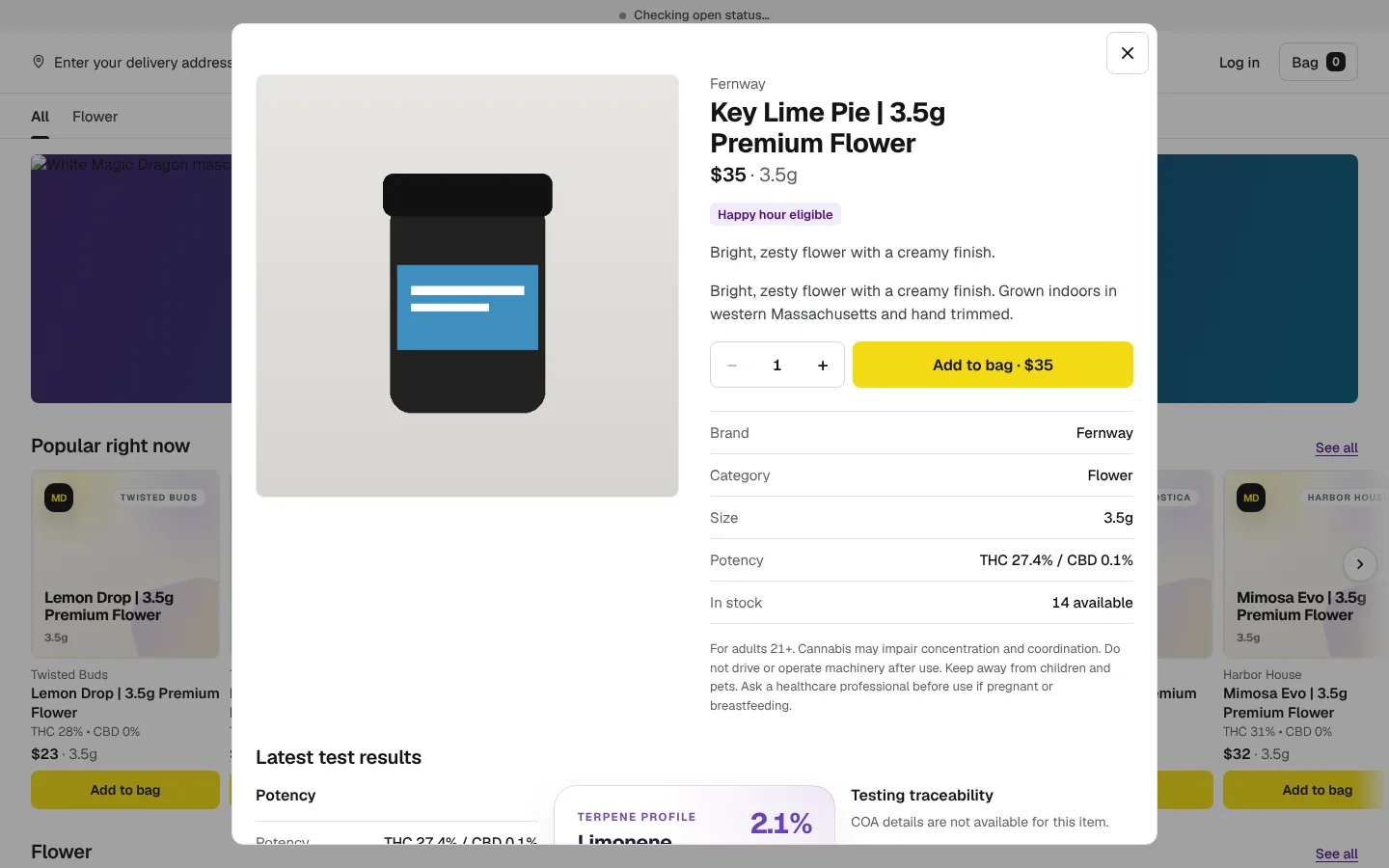
- Products open in a pop-up, and the bag is always one tap away in a bar that stays on screen.
- Buttons are easy to tap, and text is big enough and has enough contrast to read outside.
Deals
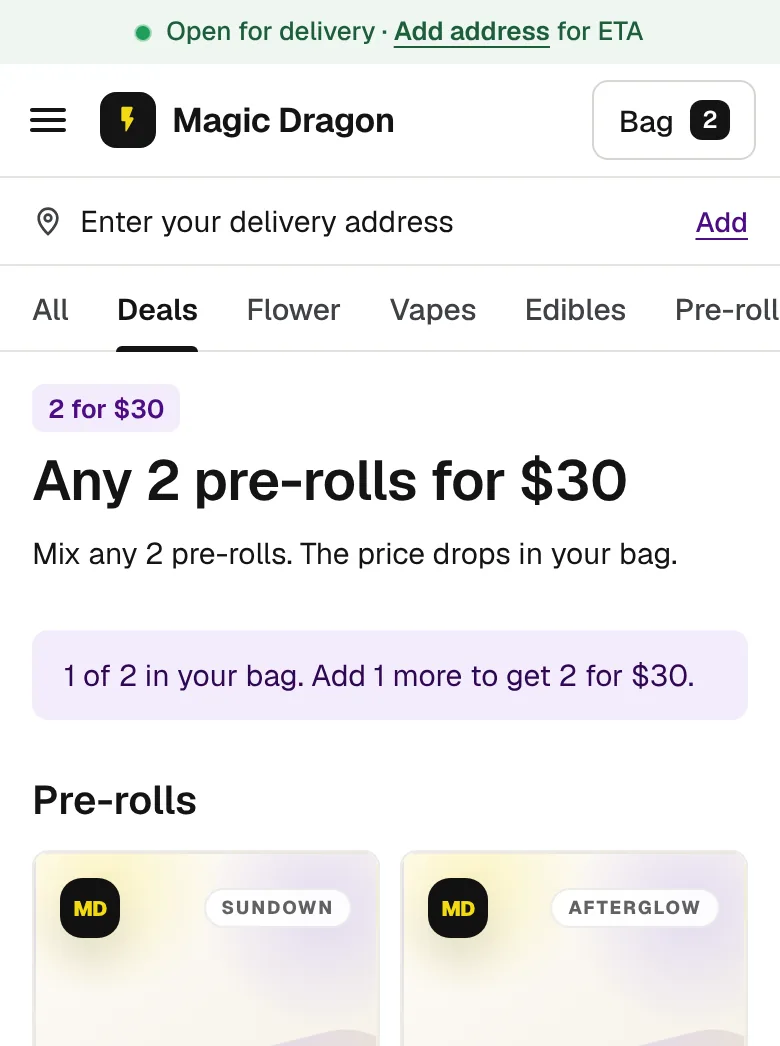
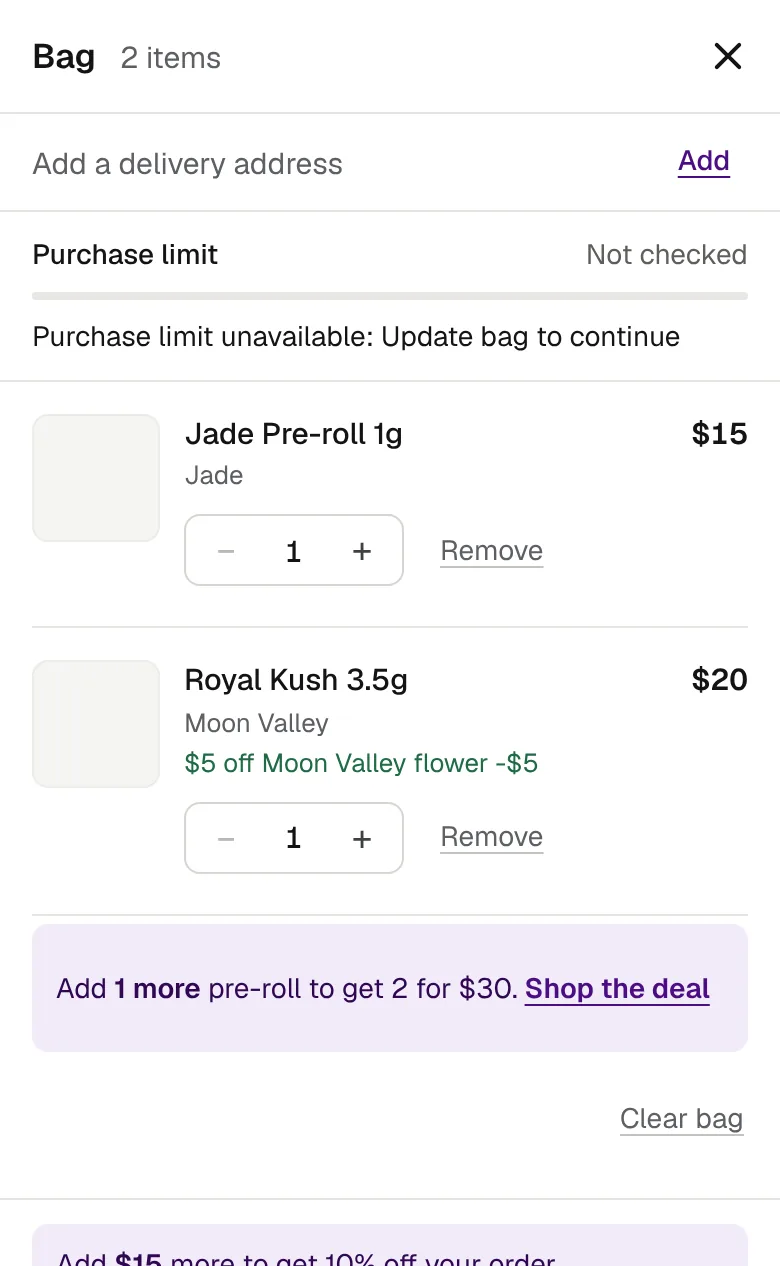
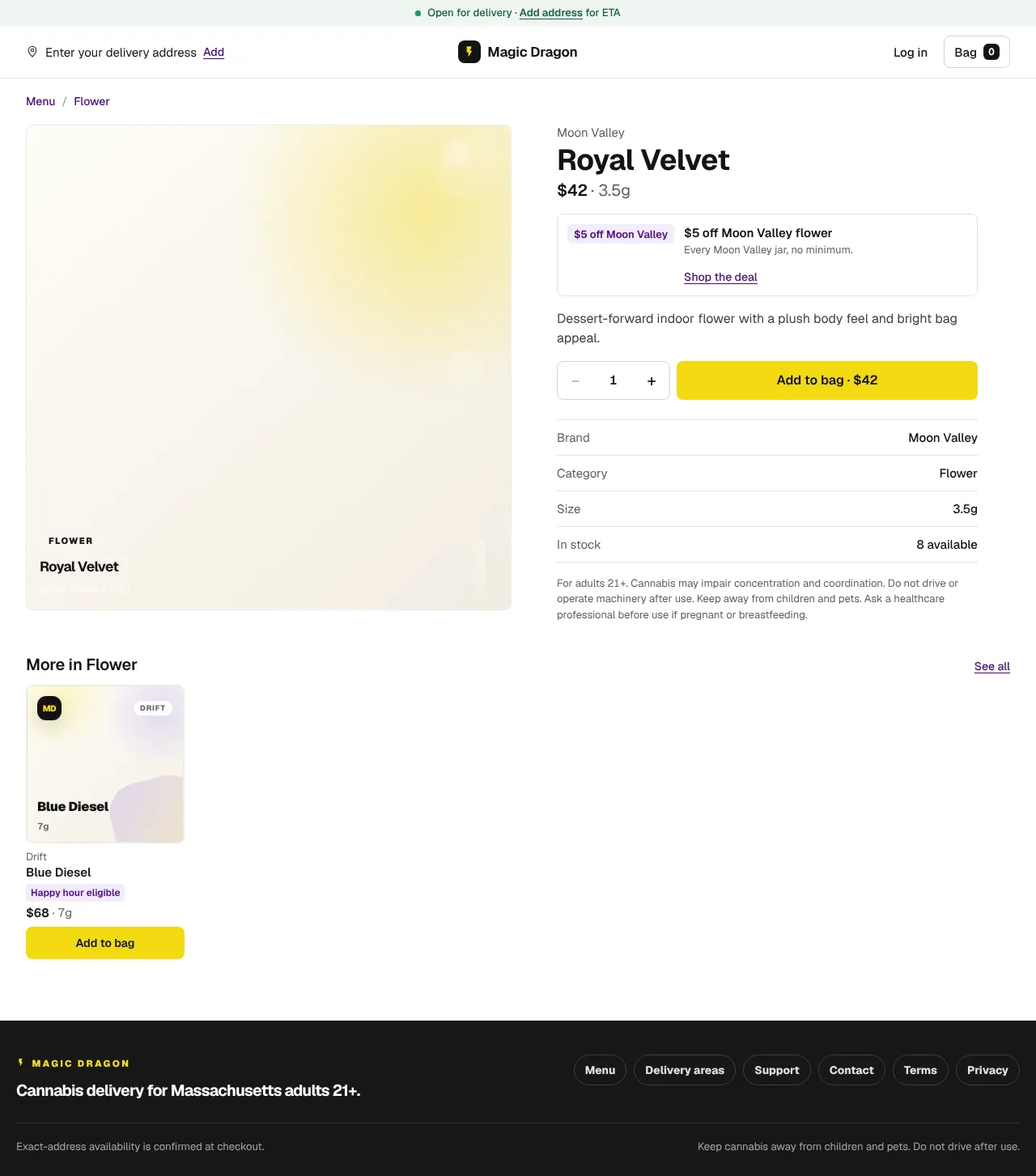
Discounts are only useful if people understand them. Products carry a deal tag, deal pages count what's already in the bag, and the bag says exactly what's left: "Add 1 more pre-roll to get 2 for $30." Prices show the sale style the store chose, with separate settings for guests and signed-in customers.
State rules
Cannabis is regulated, and several of the rules affect the design:
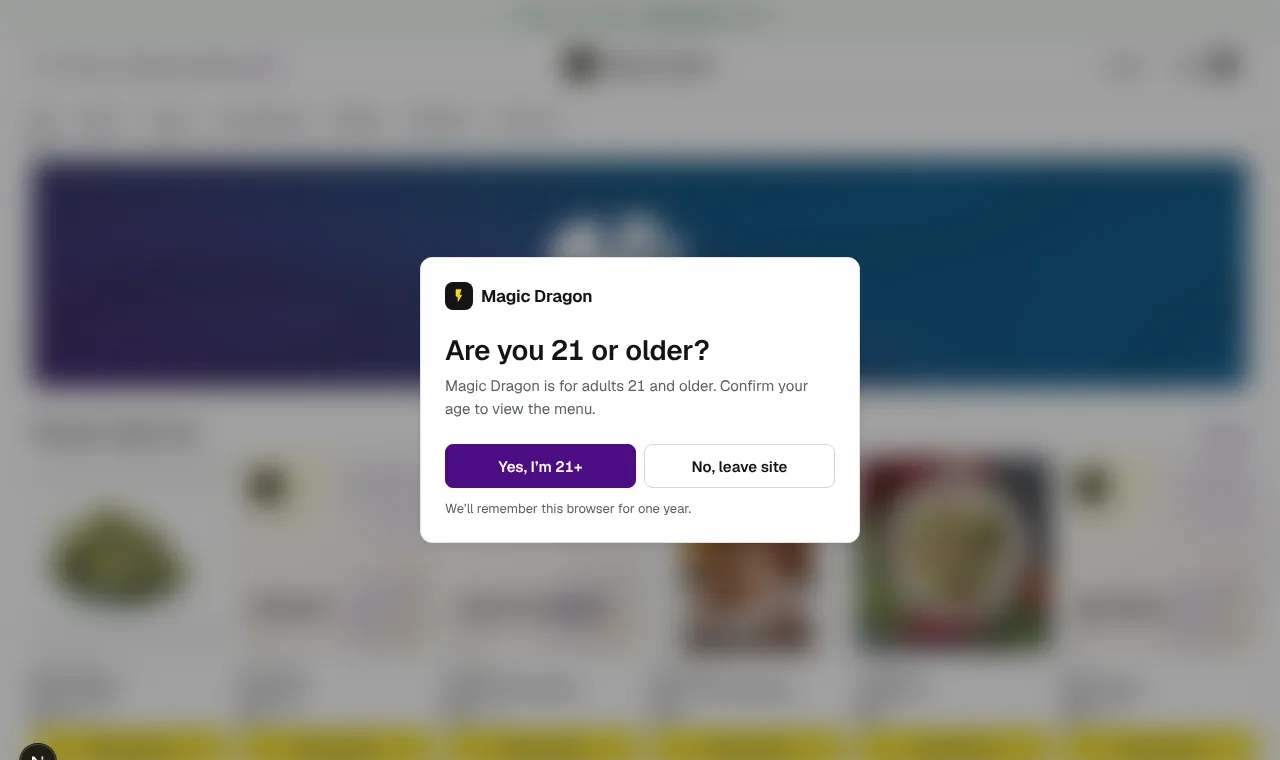
- An age check that doesn't hide the menu from search engines. Every visitor confirms they're 21 or older, but the page underneath is real, rendered HTML, blurred and marked
inertandaria-hiddenuntil they confirm. Search engines can index the menu, and the sitemap grew from 8 links to 104. - Purchase limits. State law caps how much a customer can buy, so the bag checks the limit before checkout instead of failing at the end.
- Structured data. Store pages carry JSON-LD so search engines get the business details right.
Dialogs and keyboard focus
The quick view, the bag and the address prompt can stack on top of each other. A shared focus manager keeps keyboard focus inside the topmost one, skips anything hidden or inert, and returns focus to the right place when a layer closes:
function getStorefrontModalFocusableElements(dialog: HTMLElement) {
  return Array.from(dialog.querySelectorAll<HTMLElement>(STOREFRONT_MODAL_FOCUSABLE_SELECTOR)).filter((element) => (
    element.tabIndex >= 0
    && !element.hasAttribute("disabled")
    && element.getAttribute("aria-hidden") !== "true"
    && !element.closest("[hidden], [inert]")
    && element.getClientRects().length > 0
  ));
}
Testing
Playwright runs the shared components through axe-core against WCAG 2.2 AA, checks keyboard paths and form validation, and keeps a visual catalog of the design system. Flows with real money in them, like cart recovery and checkout, have their own end-to-end specs.
Next: The Main Vine