Field Reports
Inspectors often work in basements and on roadsides with no signal. This app keeps working offline. It saves as you type, shrinks photos before storing them, records GPS and a signature, and prints a clean report.
- Type
- Working demo, 2026
- Built with
- Bootstrap 5.3, jQuery 3.7
- Browser APIs
- IndexedDB, Service Worker, Geolocation, Canvas, Pointer Events, History
- Works
- Offline, and installs to a home screen
Working offline
- A service worker caches the app shell. Pages load from the network when it's there and from the cache when it isn't, so updates still arrive.
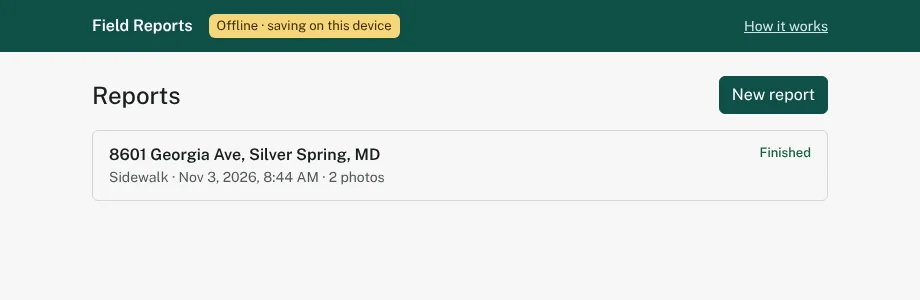
- Reports live in IndexedDB, photos included, as Blobs. Every change saves within half a second, and again when the tab is hidden, because phones close background tabs without warning.
- The header says when you're offline; nothing else changes.
- It installs to a home screen from the web app manifest.
Shrinking photos
A phone photo is several megabytes, which fills up storage and is slow to send over a weak connection. Each photo is drawn onto a canvas at most 1600 pixels on its long edge and re-encoded as JPEG, one at a time so a batch of big images can't run a phone out of memory. The app shows the before and after size of every batch.
var scale = Math.min(1, MAX_EDGE / Math.max(img.naturalWidth, img.naturalHeight));
var canvas = document.createElement('canvas');
canvas.width = Math.round(img.naturalWidth * scale);
canvas.height = Math.round(img.naturalHeight * scale);
var ctx = canvas.getContext('2d');
ctx.fillStyle = '#ffffff'; // transparent PNGs become white, not black
ctx.fillRect(0, 0, canvas.width, canvas.height);
ctx.drawImage(img, 0, 0, canvas.width, canvas.height);
canvas.toBlob(resolve, 'image/jpeg', QUALITY);
Signature pad
Pointer Events give mouse, finger and stylus one code path. Strokes are stored as points, not pixels, so the signature redraws sharply after a phone rotates, and the canvas is scaled by devicePixelRatio. Anyone who can't draw a signature can type their name instead.
canvas.addEventListener('pointermove', function (e) {
  if (!pad.current) return;
  e.preventDefault();
  // Coalesced events give every point the hardware reported, for smoother lines.
  var events = e.getCoalescedEvents ? e.getCoalescedEvents() : [e];
  for (var i = 0; i < events.length; i++) pad.current.push(point(events[i]));
  pad.redraw();
});
Error messages
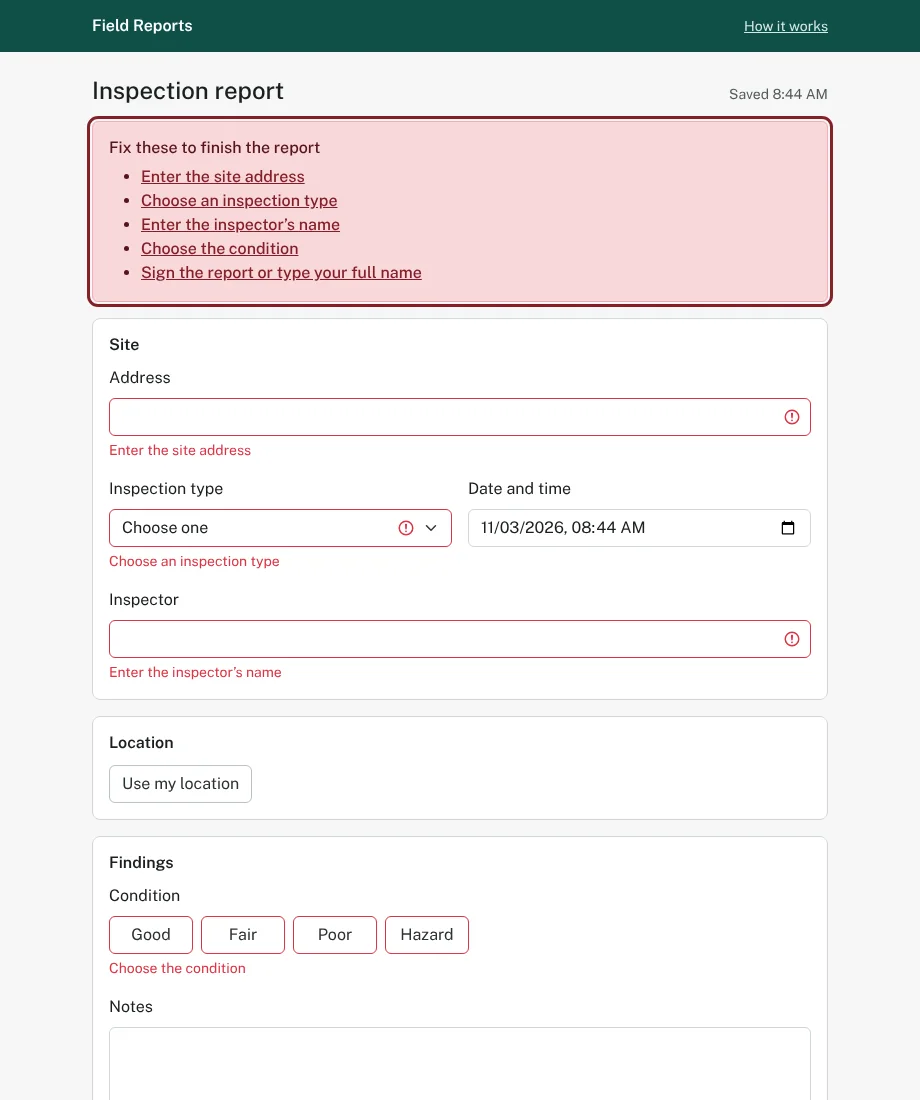
Finishing a report with missing fields moves focus to a summary of what to fix, in the style of the U.S. Web Design System and GOV.UK. Each item links to its field; each field gets aria-invalid and an error message tied to it with aria-describedby. Fixed problems drop off the list as you go. A hazard needs at least one photo, and a follow-up needs a priority.
Getting the report out
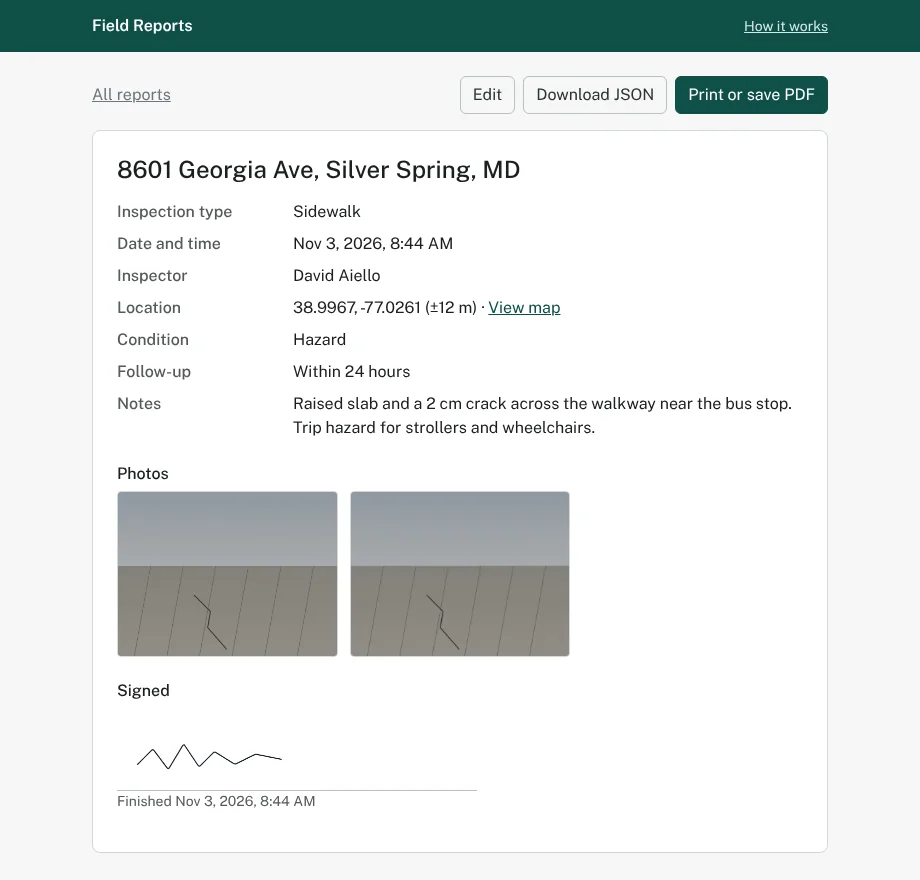
- A print stylesheet turns the report into a clean page, so "Save as PDF" works in any browser.
- Download JSON exports the whole report with photos inline, read through
FileReaderand saved with a Blob URL. - On phones that support the Web Share API, Share sends the report to another app.
Navigation
Each report has its own URL through the History API (?report=…), so Back, refresh and bookmarks work. After each navigation, focus moves to the new page heading so screen readers announce it.
Next: magicdragonsoftware.com